
With AVI Loadbalancer starting from 32.1.1 the 25-character license keys aren’t working anymore.
And if you plan to deploy AVI you want to use it with a valid license and have 2 ways of licensing AVI Loadbalancer:
- Cloud Licensing: Connect to an online service and consume your licenses from there
https://portal.pulse.broadcom.com - On-prem License Hub: Another “license server” that handles the registration and licensing – kinda like in VCF Operations and its license server for VCF Components
Cloud Licensing is easier to setup and will spare you another VM with some heavy requirements but gives you more control about what talks to broadcom home. So choose whatever fits your case!
License Hub Requirements
The License Hub is an OVA Appliance which comes from the Broadcom support Portal. As an Appliance it will need quite ressources which are:
- 6 vCPUs
- 12 GB memory
- 256 GB of storage
And from the Network perspective we need the following IPs:
- 1x Management
- Pool of 2 IP addresses which belong together (192.168.0.21-192.168.0.22)
- IP Pool must not be in the same subnet as the Managment IP, but they need to reach each other!
- 2 FQDNs
- 1x Managment
- 1x kafka wich gets attached to the second ip address of the above mentioned pool
- 150ms latency between the license hub and its components (NSX Manager, SSP, AVI Controller)
These are based on the License Hub for AVI 2.0 Documentation which was updated on the 29th of October.
After creating A-Records and PTR Records we finally deploy the OVA which we downloaded from Broadcom.
Deploying the License Hub for AVI
First: Go here and download the “License Hub for VMware vDefend and VMware Avi Load Balancers” which takes 11GB and start the OVA Wizard to deploy that Appliance into your Management Domains vCenter.
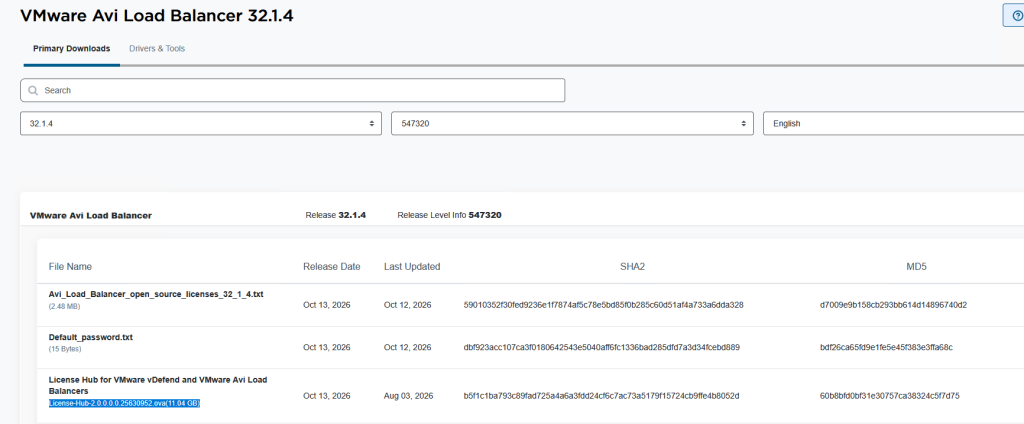
I will skip the first yada yada part of the OVA wizard.
After selecting the storage and the network (i use my VCF MGMT Network, because i already created a /24 for that, so might aswell use that) we will need to enter some details such as passwords for various users and other networking information.
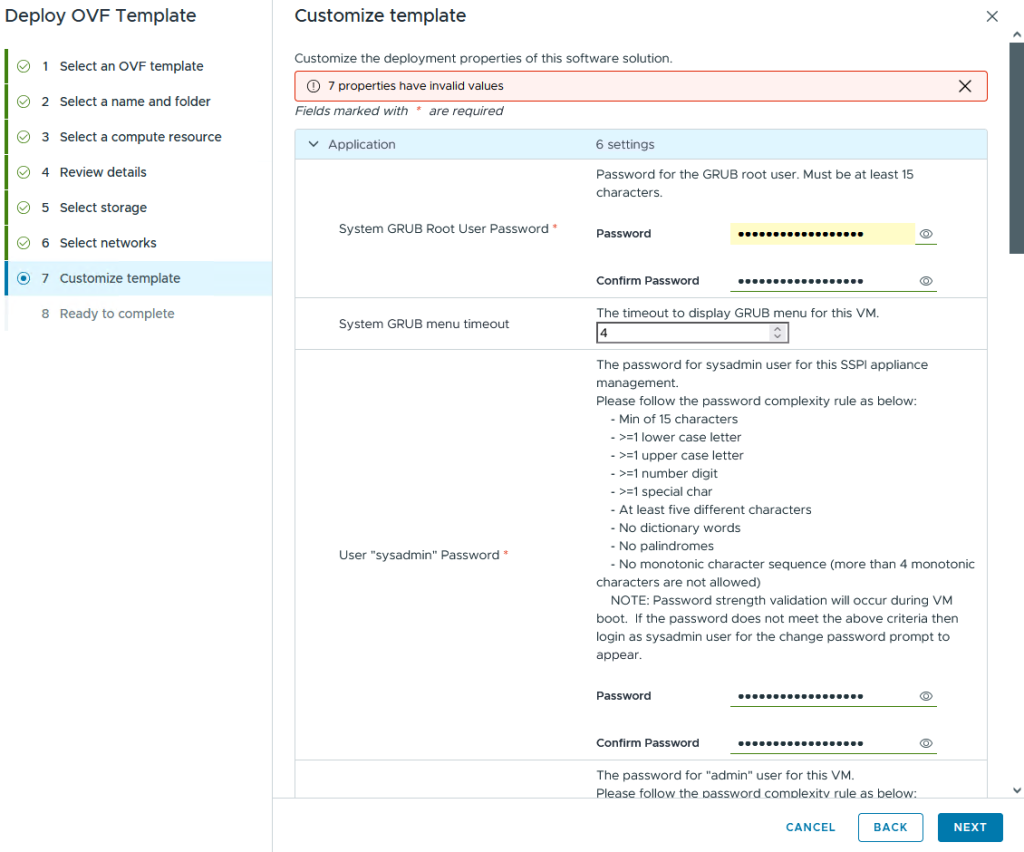
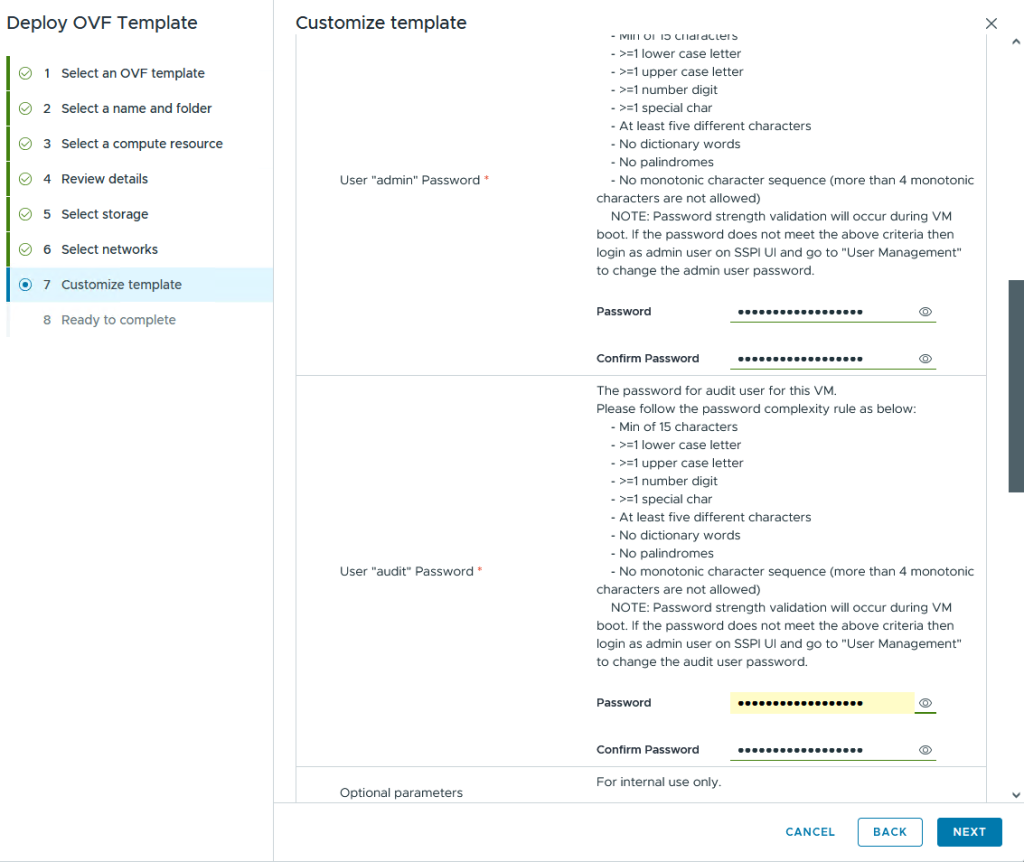
yeah i’m gonna use that benchmarking network (RFC 2544) for that k8s cluster in that license hub (why isn’t that “service” integrated in the VMSP Cluster you might ask? Only Broadcom knows 🙂 ).
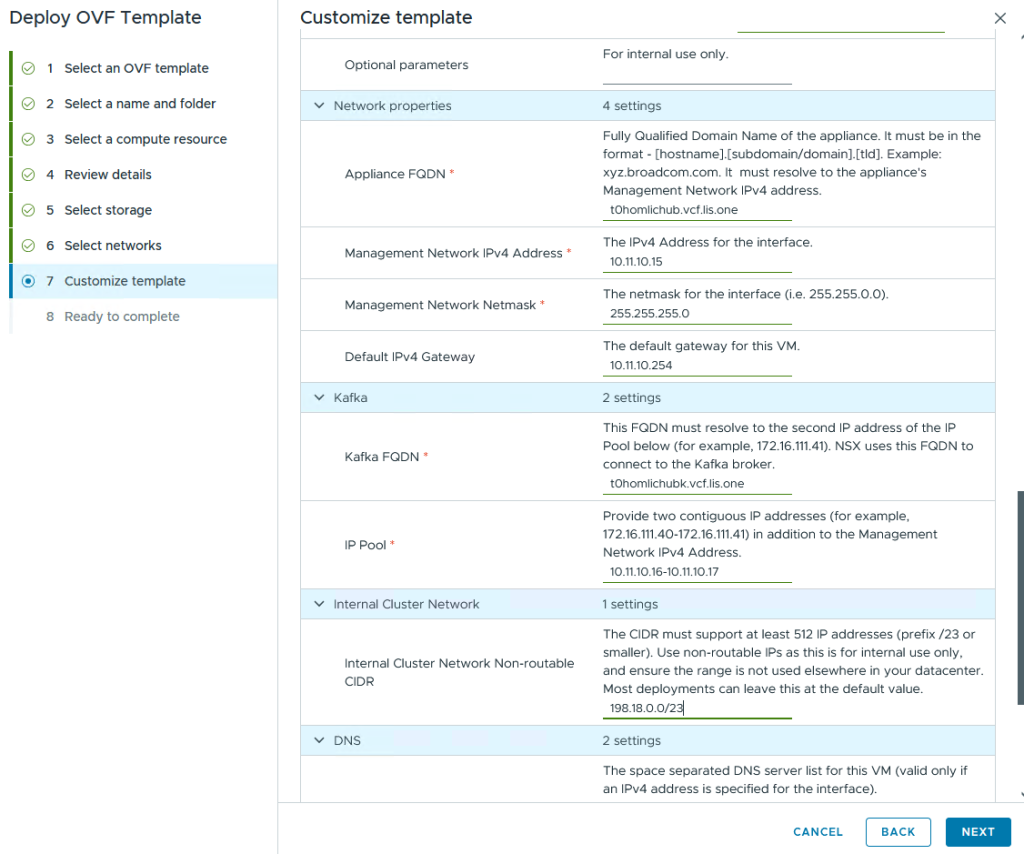
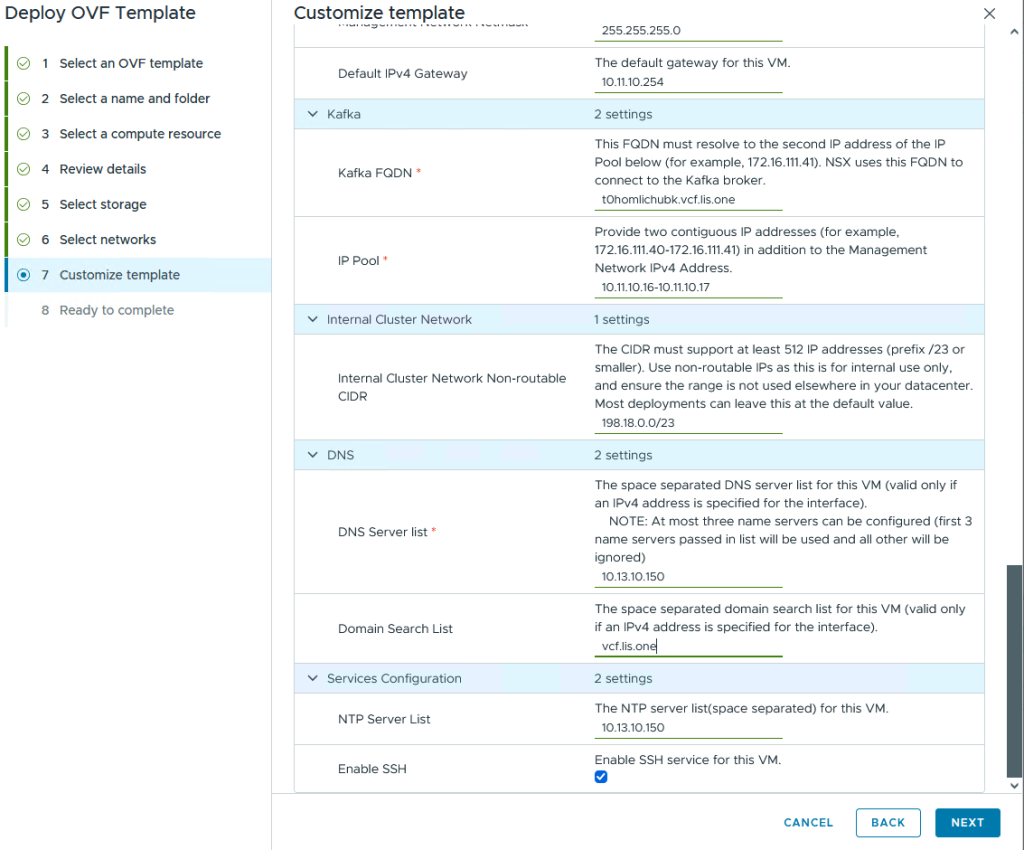
SSH is enabled, all settings are doublechecked.
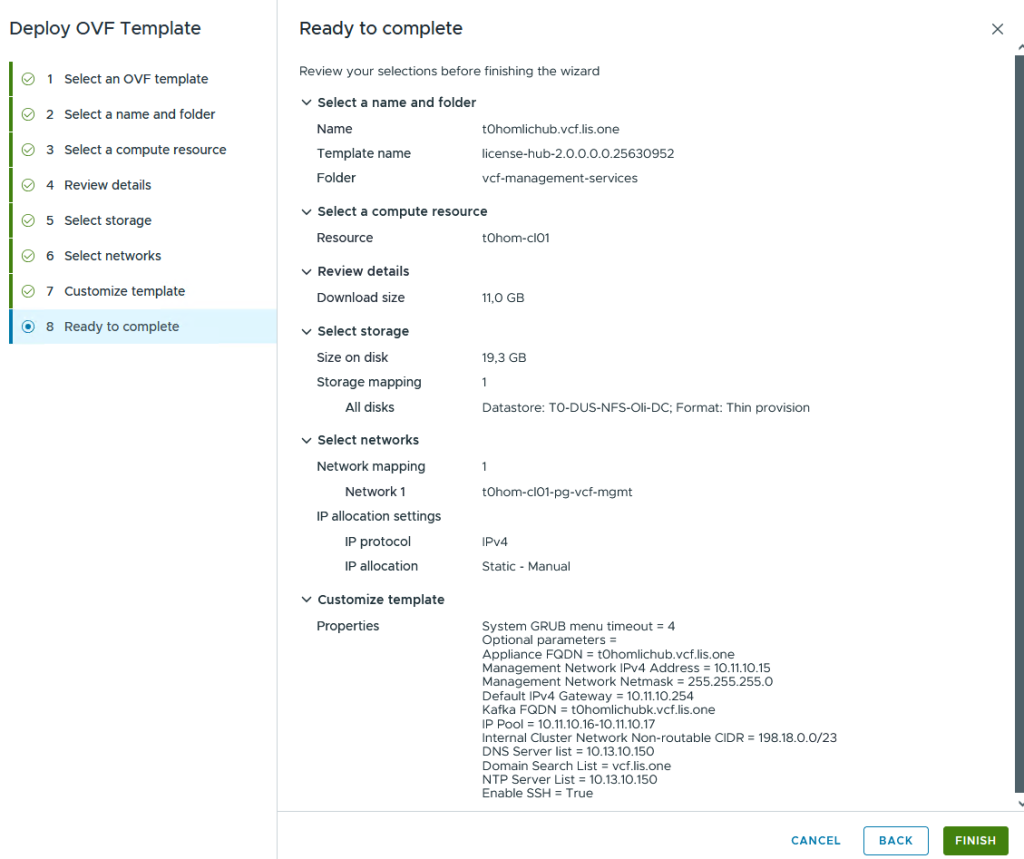
Next Next, Finish 🙂
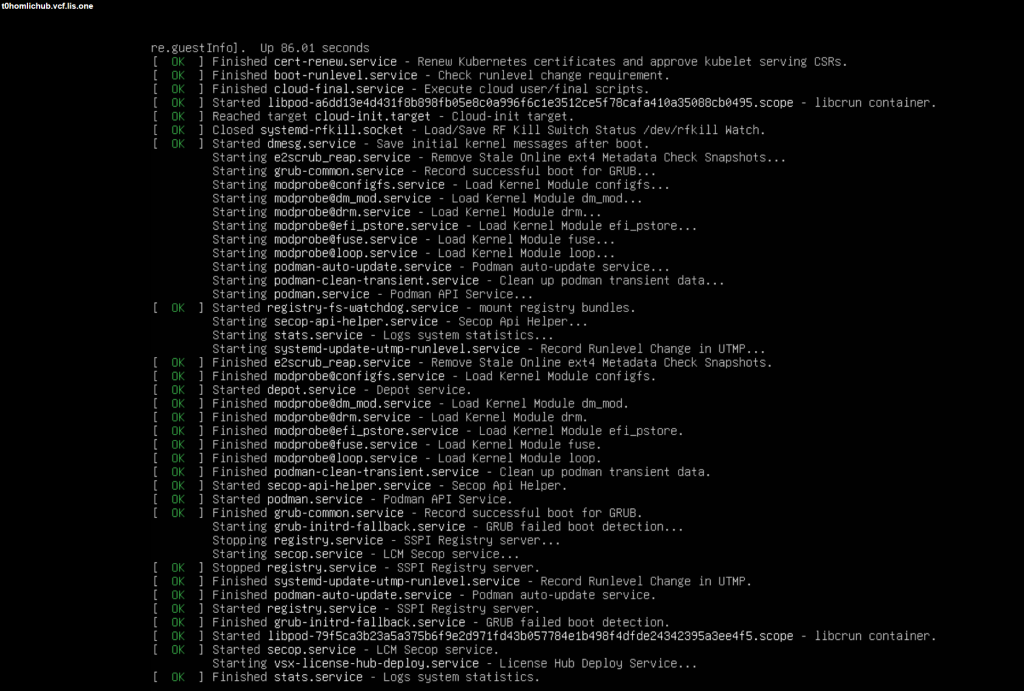
And then we wait for the VM to boot up…
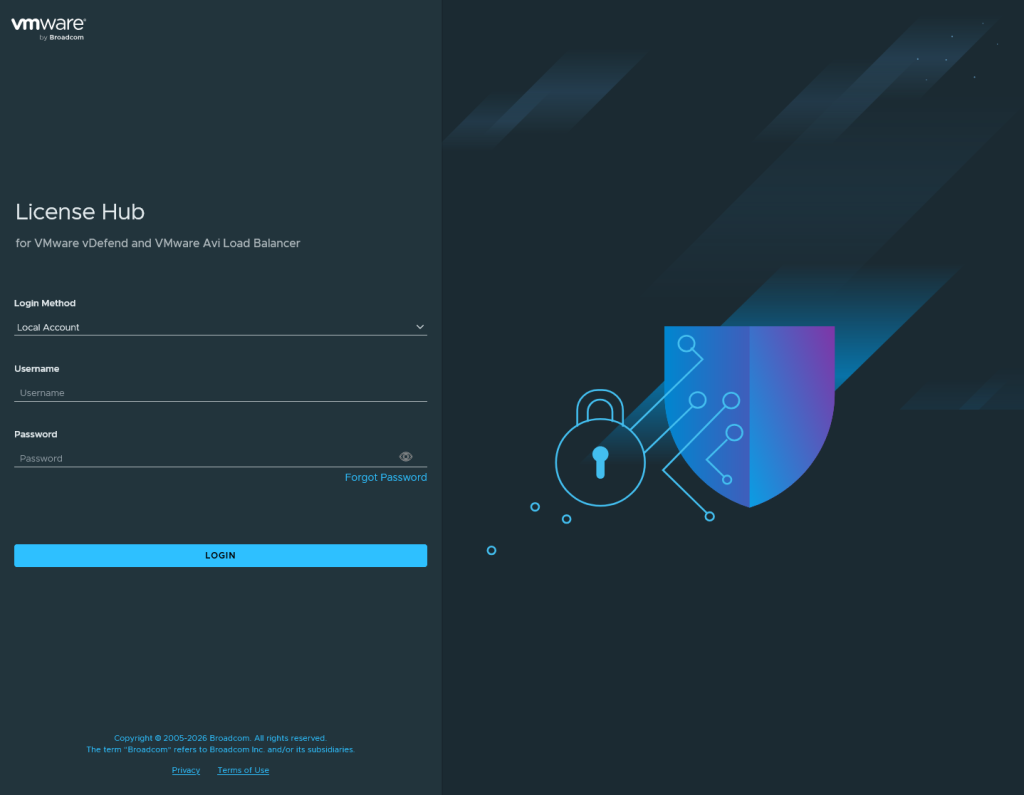
After everything is setup we can login with the admin account
1 thought on “Deploy the AVI Loadbalancer License Hub”