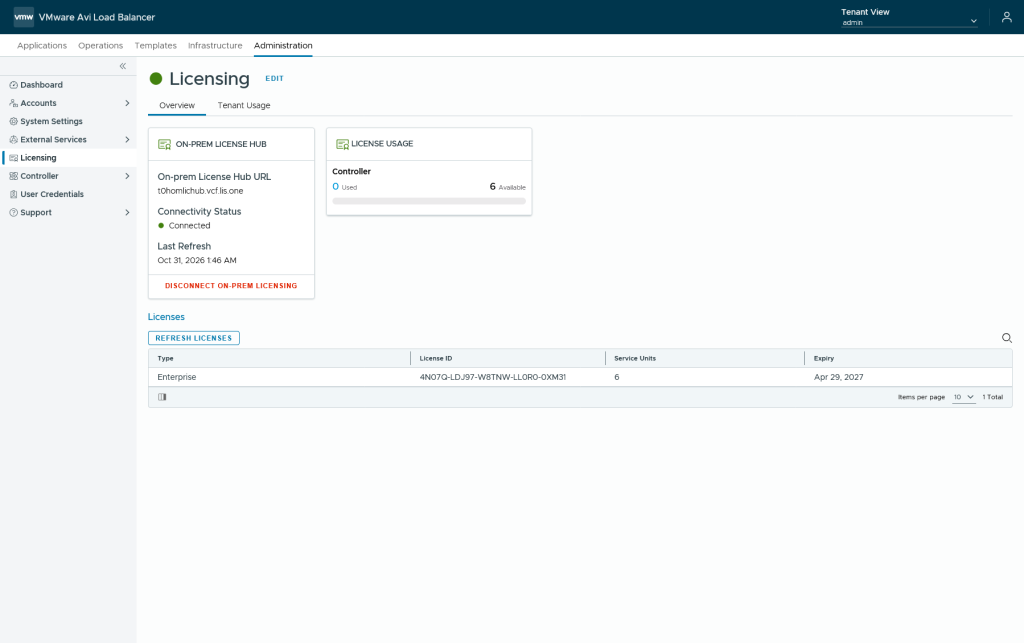
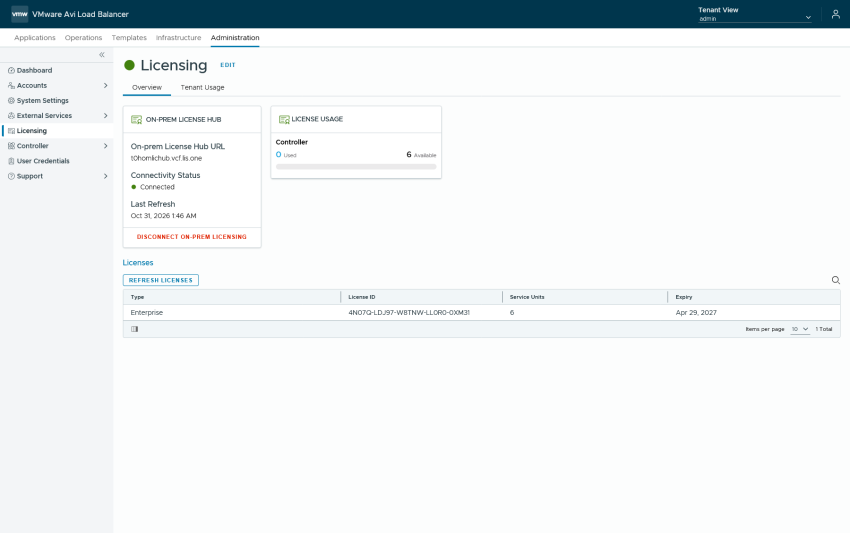
We deployed the License Hub and afterwards connected it to the AVI License Portal and upgraded the AVI Keys to the New v2 Keys. But now we need to connect our AVI Loadbalancer to the License Hub so that we don’t have to worry about the evaluation time.
Adding the AVI Controller to the On-prem License Hub
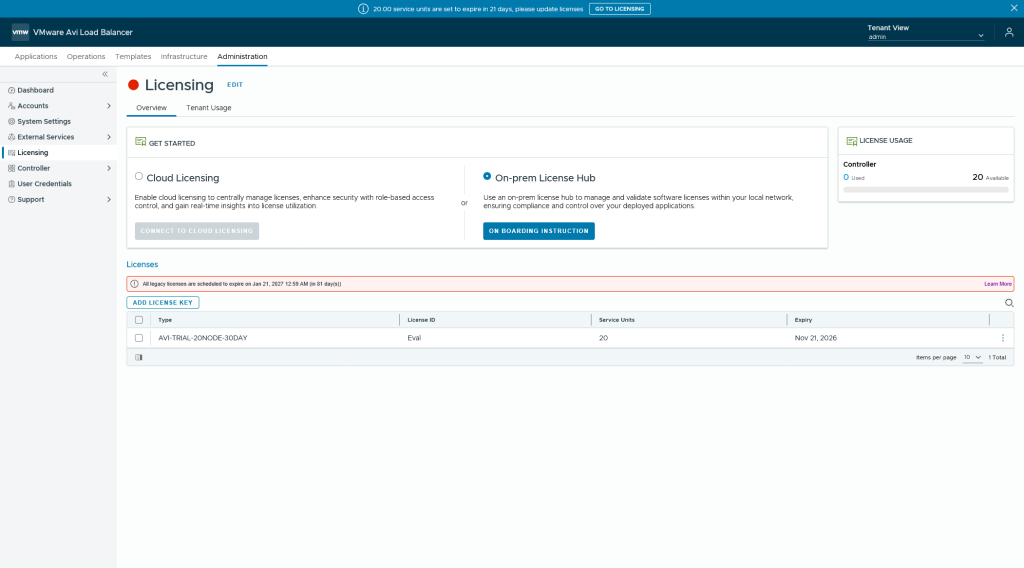
Wenn clicking on the blue “On-prem License Hub” Button we will only get instructions how to connect our instance to it and that means we need to switch to our license hub where we add our avi controller.
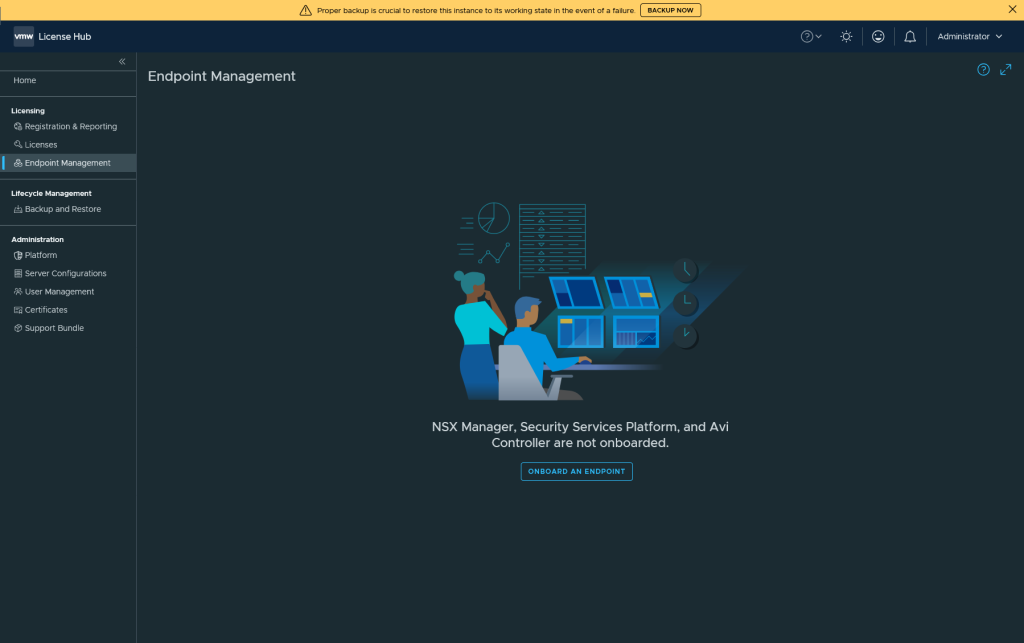
We go into the License Hub and go to Endpoint Management and select “Onboard an Endpoint”.
We select AVI Controller and enter the details:
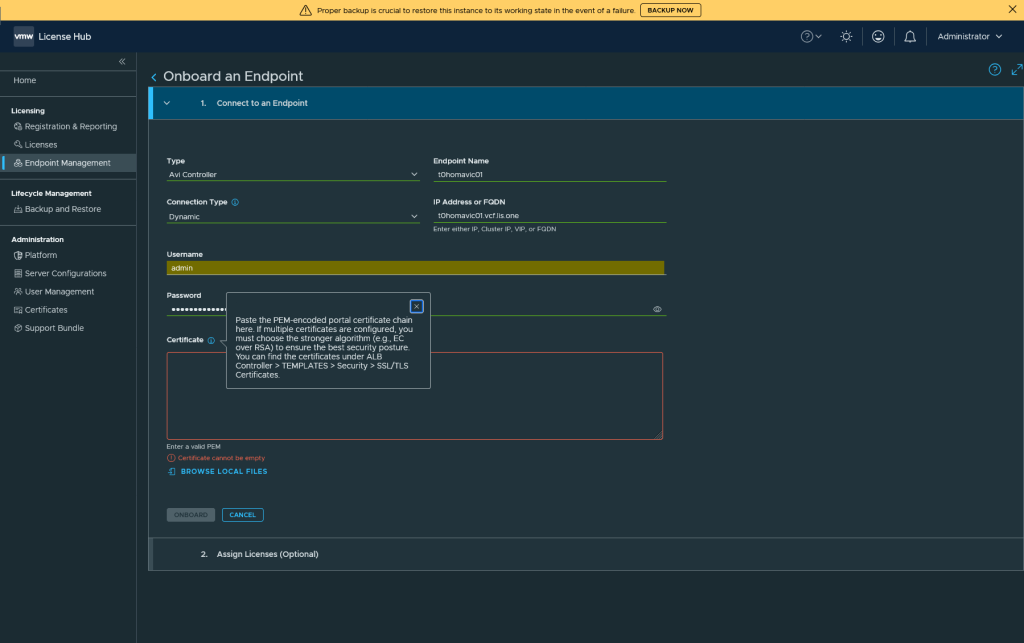
To get the PEM Cert follow the Information or use your browser to get the cert from the avi controller.
When everything is included hit onboard and assign the license
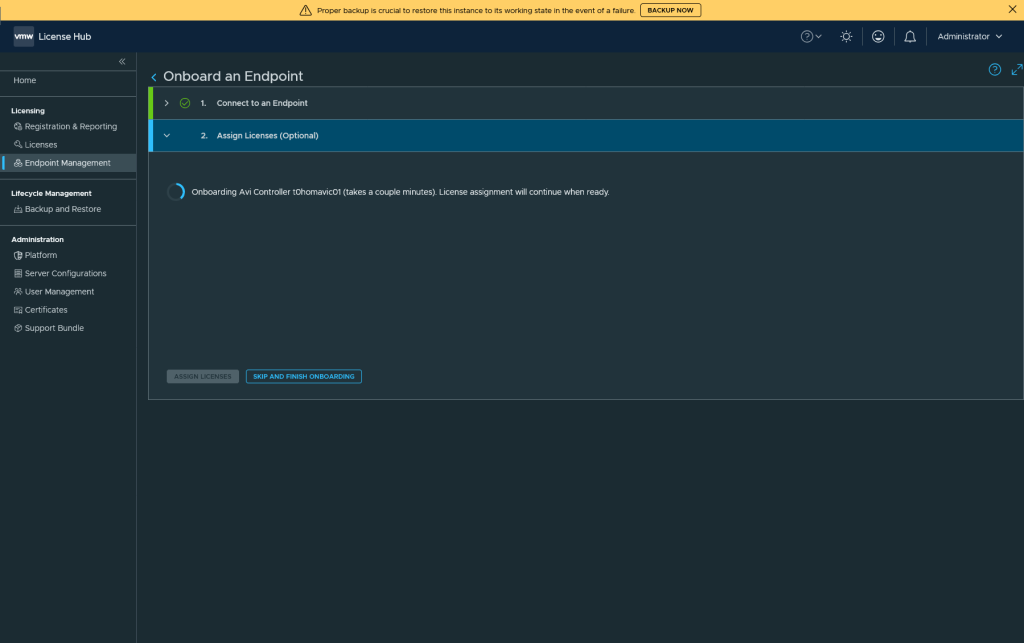
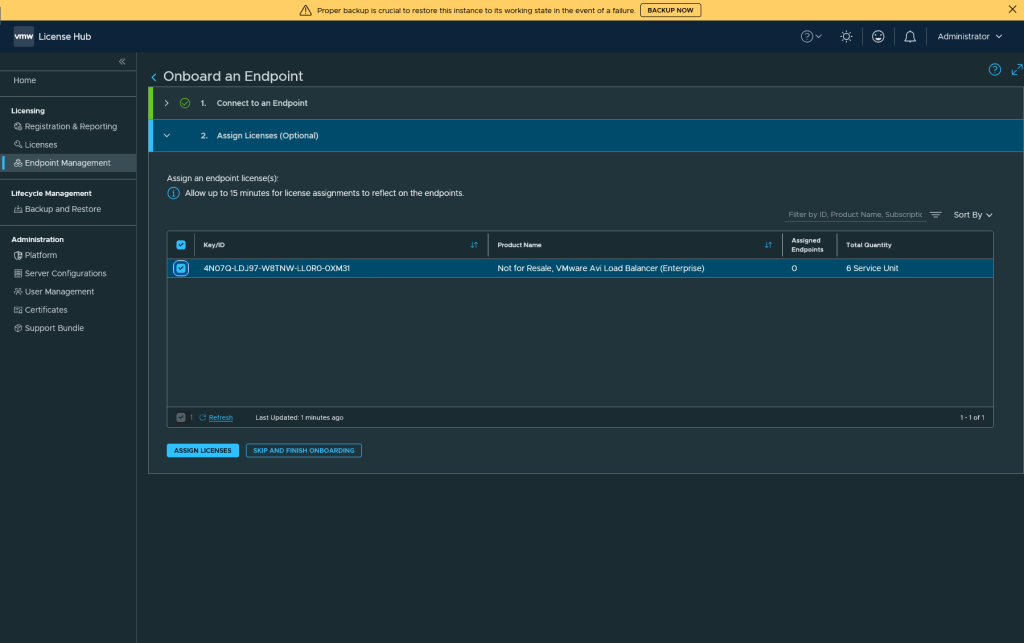
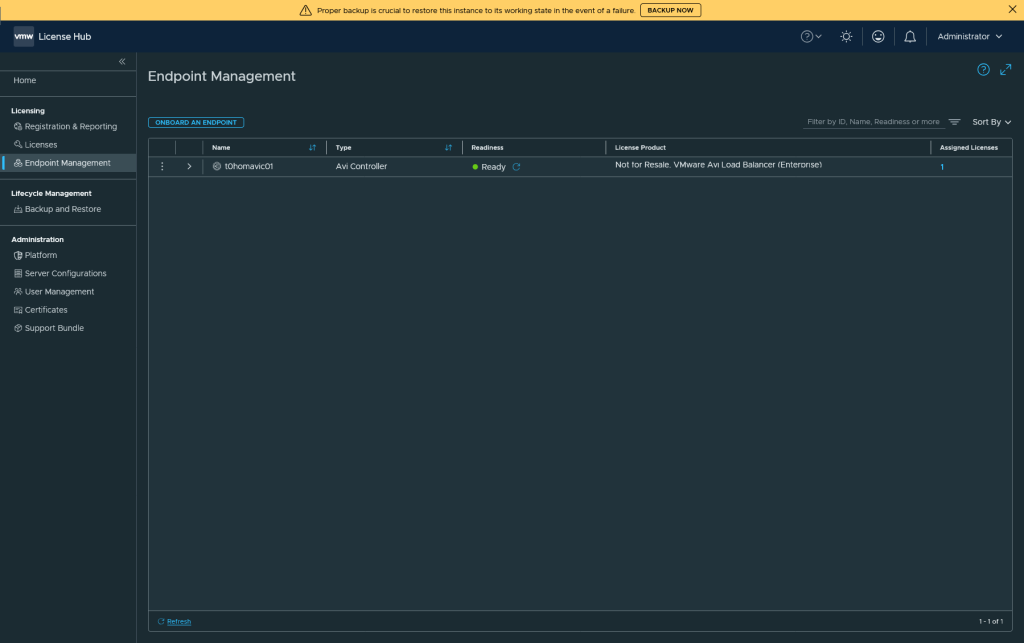
AVI still shows a disconnected status but after a “refresh Licenses” we will see it registered.
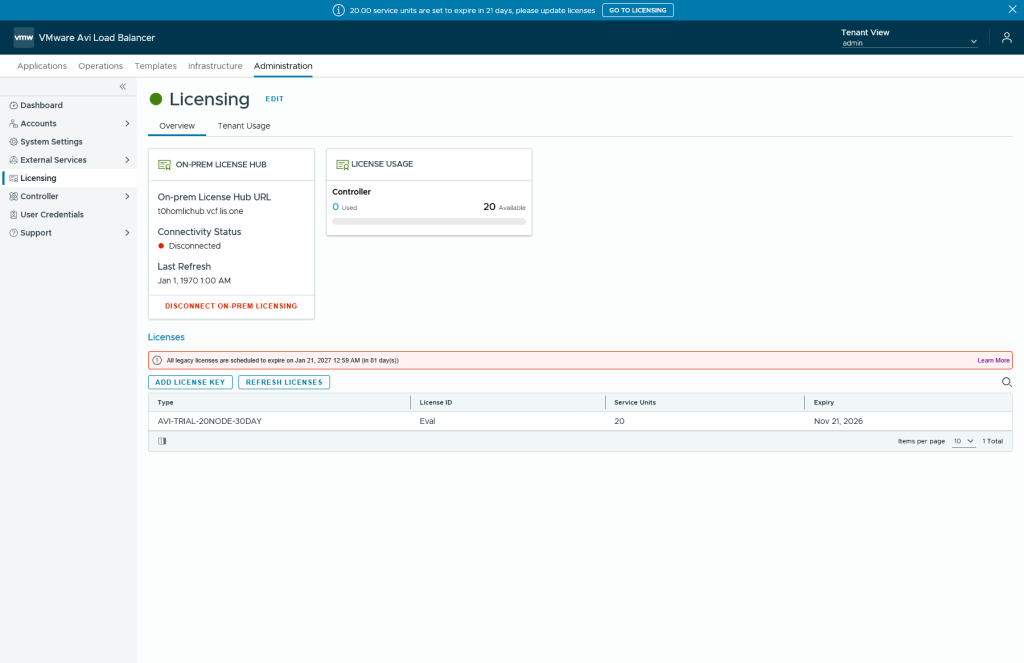
We’re done!