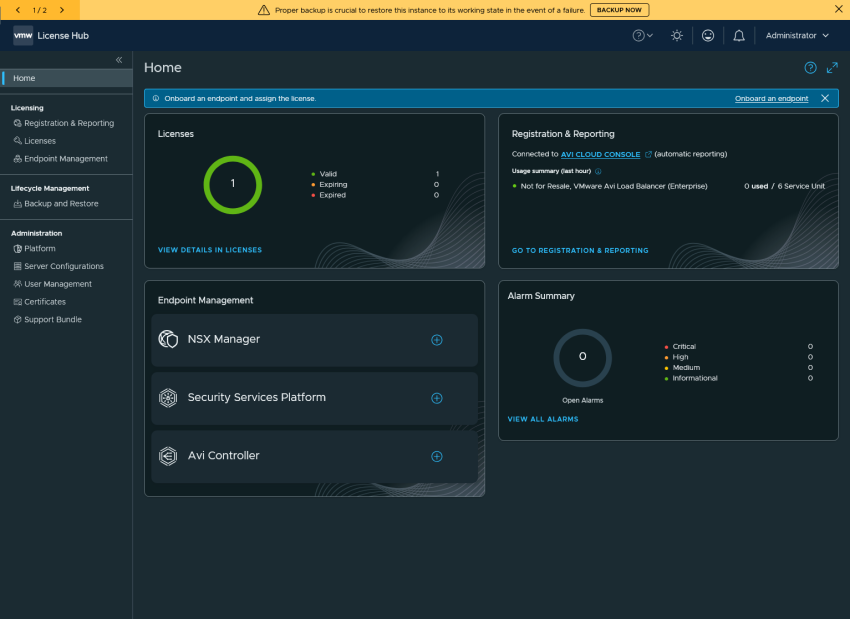
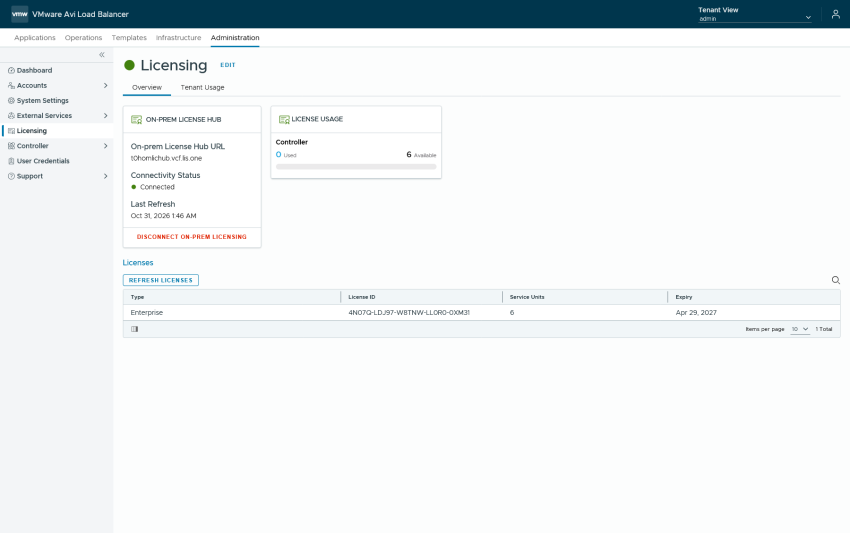
We deployed the License Hub and afterwards connected it to the AVI License Portal and upgraded the AVI Keys to the New v2 Keys. But now we need to connect our AVI Loadbalancer to the License Hub so that we don’t have to worry about the evaluation time. Adding the AVI Controller to the On-prem…
Registering the AVI License Hub with the AVI License Portal
So after we deployed the License hub we need to connect and register it with the pulse avi portal. Connected and Disconnected Mode After logging in we are greeted with the 2 operation modes Connected Mode In this mode the license hub is connected to the online portal and is able to automatically report the…
Deploy the AVI Loadbalancer License Hub
With AVI Loadbalancer starting from 32.1.1 the 25-character license keys aren’t working anymore. And if you plan to deploy AVI you want to use it with a valid license and have 2 ways of licensing AVI Loadbalancer: Cloud Licensing is easier to setup and will spare you another VM with some heavy requirements but gives…
Get the latest VCF Downloads for your offline depot
As i’ve already covered in other blogpost we are able to leverage the offline depot to download our VCF Installation Files and Patches to our offline depot so that we don’t have to download everything again when we change our VCF-Installer to a new Version or simply update our depot for our fleet management. But…
Change the principal storage in VCF 9.1
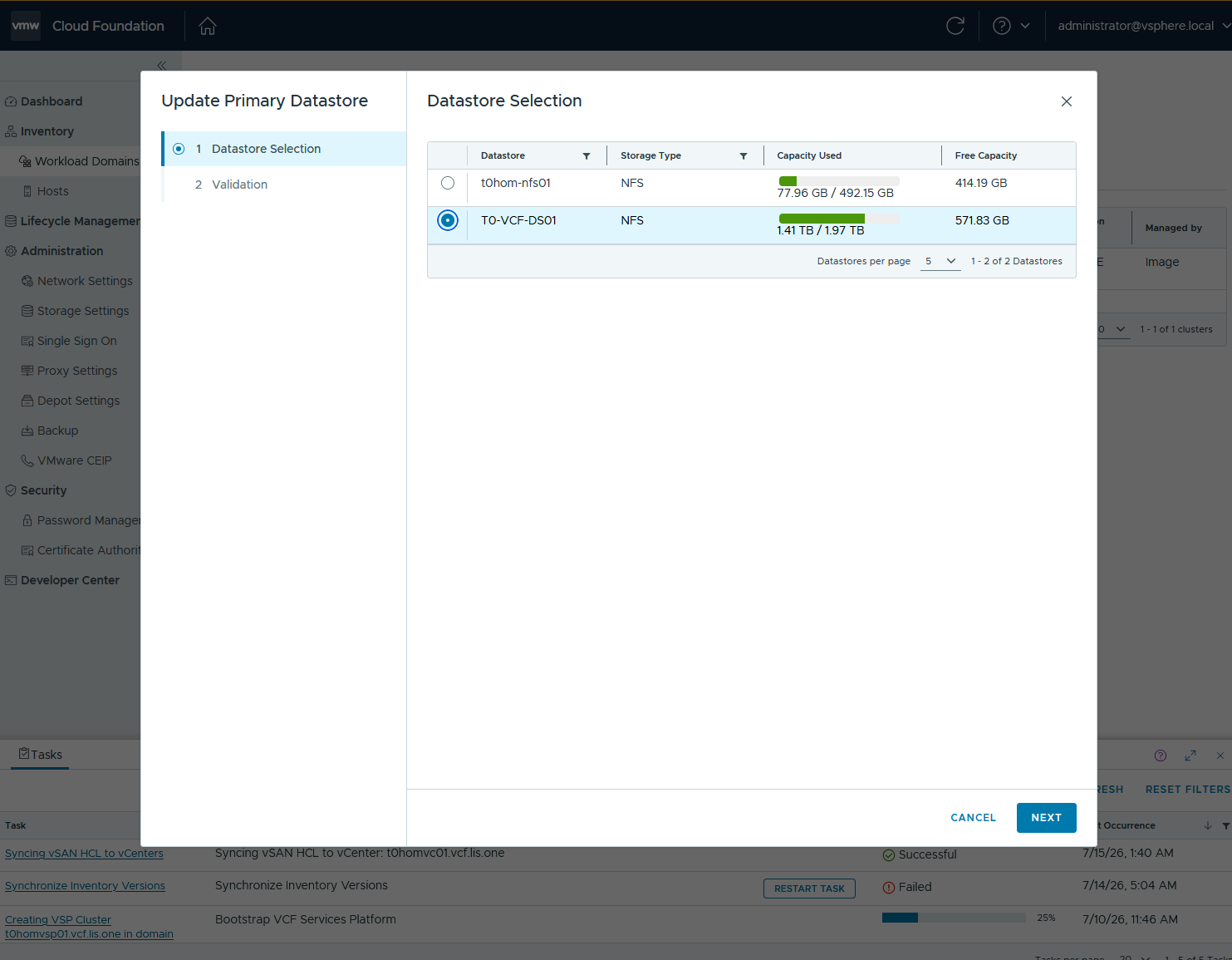
With VCF 9.1 we now have the option to update our principial storage, but only if we stay within the same storage type. With that, if a storage array needs to be decomissioned we can simply change the principal storage in the SDDC Manager and leverage that for further deployments or rather automated tasks from…
Download VCF Express Patches to your offline Depot
Since Broadcom Released the new Express Patch 9.1.0400 you might need to download those files to your offline depot so that on one side your fleet depot can access those binaries or you are able to leverage the new files for your VCF deployment. The command itself is easy and can be altered depending on…
Deploy a new VCF 9.1 Fleet – Day 0
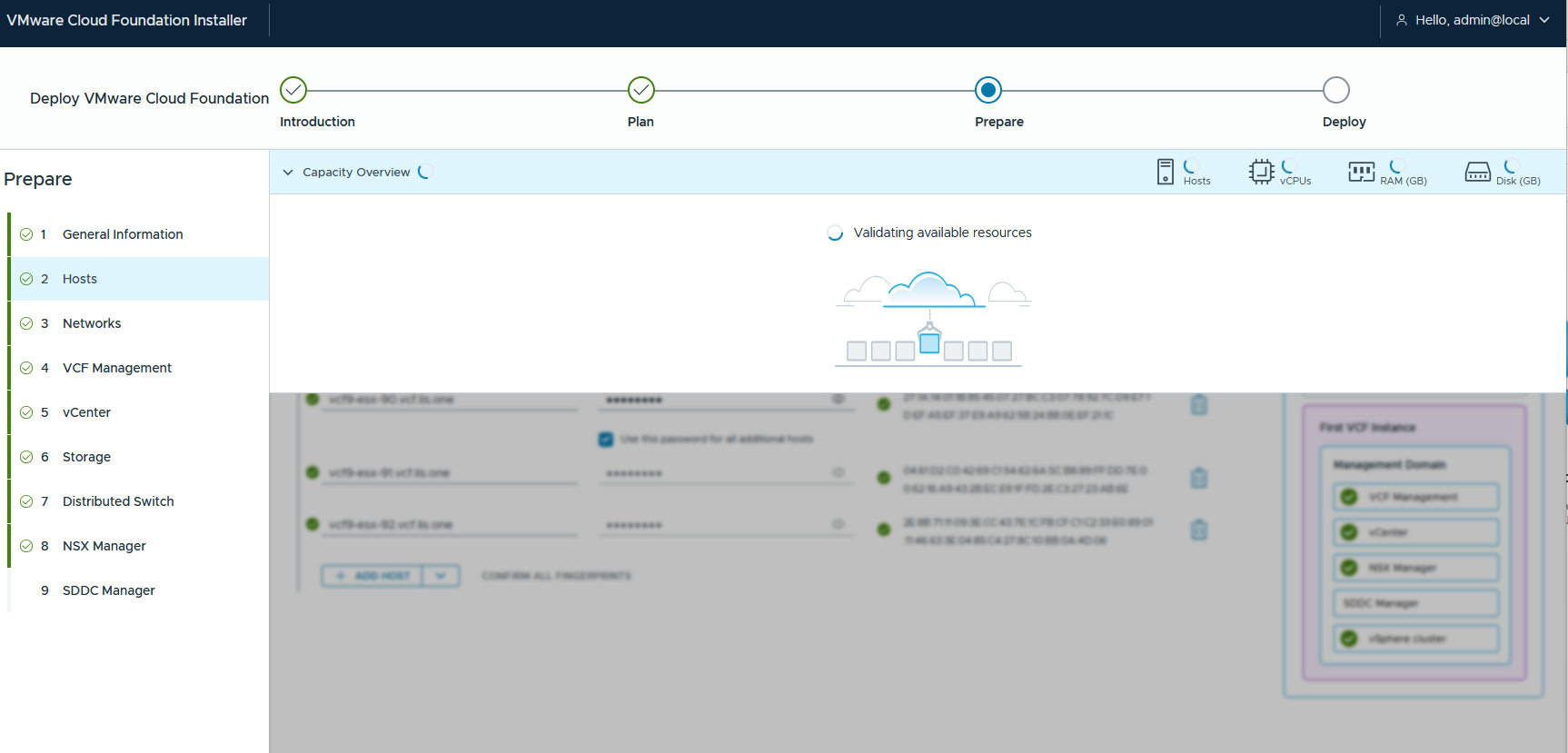
Preparation We need to prepare the actual VCF Deployment Requirements on CPU, Memory andStorage Each VCF Deployment comes in 3 flavours simple High Availability Medium High Availability Large so you should make sure to have enough left. The VCF Installer will also give some warnings: And also the validation will tell it to you: Networking…
connect your HTTP Offline Depot to VCF Installer 9.1
By default the VCF-Installer only supports https requests. But certs are a pain in a homelab so i downgrade my vcf-installer to support http 🙂 william lam alread described that for 9.0: https://williamlam.com/2025/06/using-http-with-vcf-9-0-installer-for-offline-depot.html and we are now going to do the same for 9.1 connect to your vcf-installer via ssh as vcf and then su…
Register your VCF Offline Depot with the VCF Business Console and download the Binaries
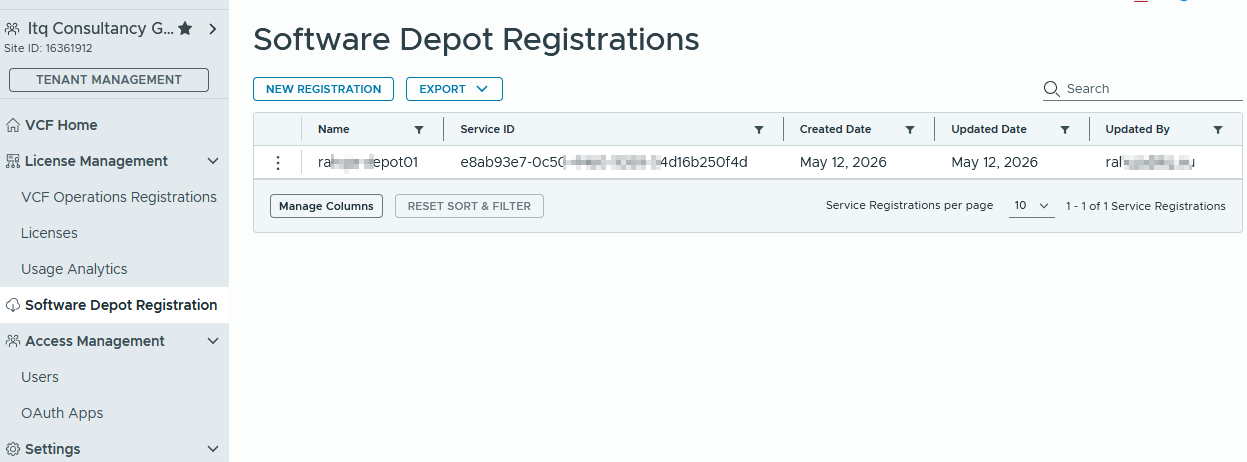
With VCF 9.1 you need to register your VCF Offline depot with the VCF Business website: To do that download the vcf-download-tool in version 9.1 and run it with the following command: In the VCF Business Console you will be able to manually register your software depot: And then you will receive an activation code…
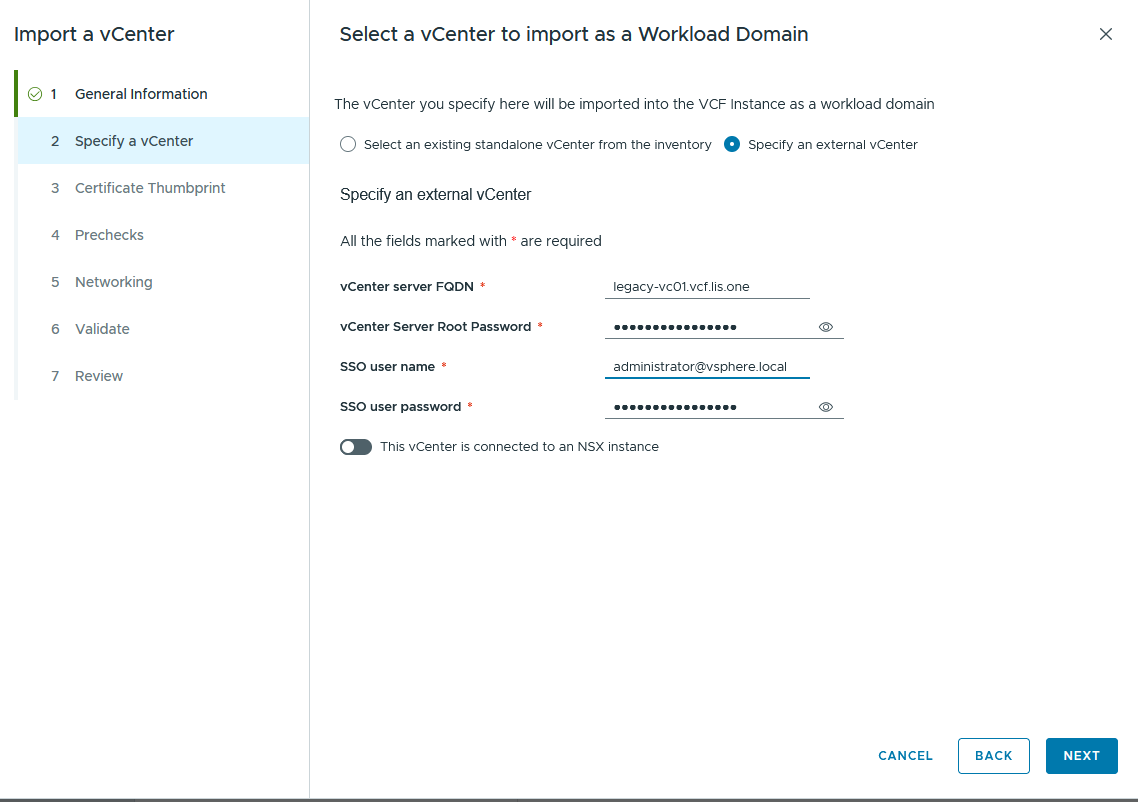
Prechecks of your worst vCenter to be imported into VCF9
Ever wondered what prechecks are running when importing a vCenter into VCF9? Always wondered what might be a showstopper for an import? Guess you’re on the right blog 🙂 Imagine you have the following vSphere Environment: How does something look like? Apart from the fact that the legacy-esx-01 is red because Automation is hogging the…