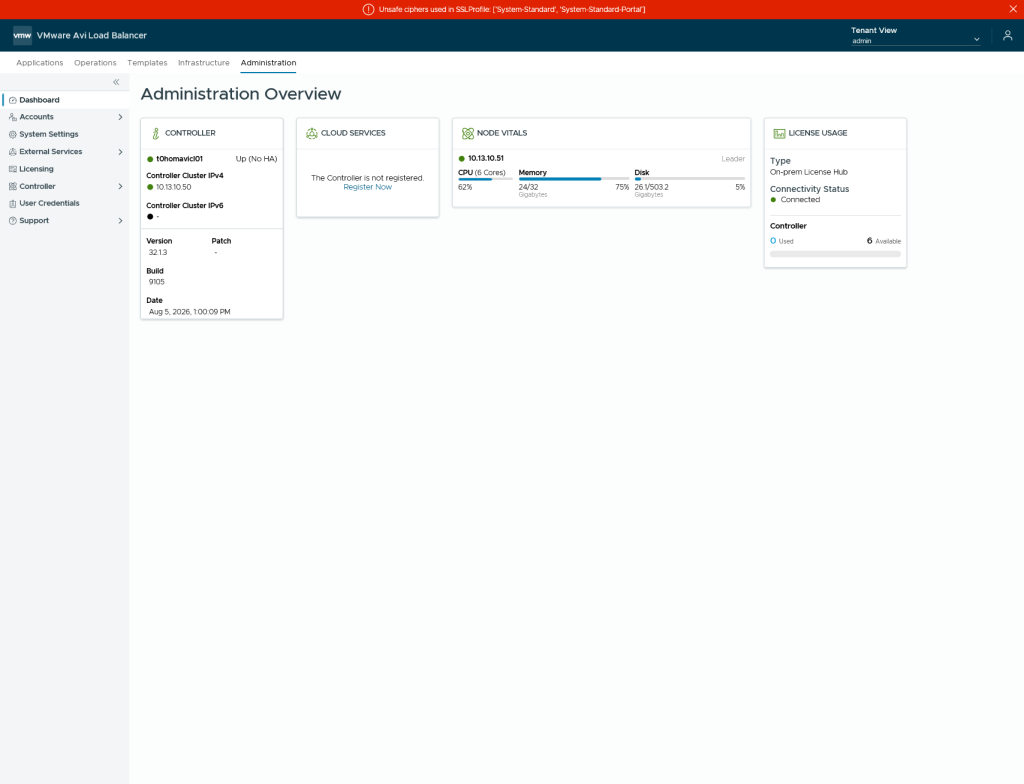
With VMware Cloud Foundation we are able to integrate AVI Loadbalancer so that it can be consumed by other components but before we are able to leverage that, we need to deploy it first.
Pre-Requisites.
Before you deploy the AVI Loadbalancer within VCF Operations, you will need to deploy the License Hub OVA and connect the Licensehub to your Pulse Portal to get licenses.
It is necessary to check which brick-size your controller should have, because an upscale is only possible by shutting down all 3 nodes, making the changes and then powering it on as documented in the Techdocs for AVI 32.1
| CPU/Memory Allocation | Small (6 CPUs / 32GB RAM / 512 GB Disk) | Large (16 CPUs / 48GB RAM / 1,4 TB Disk) | X-Large (16 CPUs / 64GB RAM / 1,75 TB Disk) |
| Base processes | 19 GB | 24 GB | 32 GB |
| Log analytics | 13 GB | 24 GB | 32 GB |
| SE Scale | 0-200 | 200-500 | 200-500 |
We’re obviously going to deploy a Small Environment with a single node controller. It is a Lab after all 🙂
Note: 2TB is the maximum disk size supported in the AVI Controller and only 1 Disk is supported!
Preparation
After checking the pre-reqs and making sure that IP-Adresses and FQDNs are created (A-Records and PTR Records aswell as AAAA-Records) you will need to download the binaries onto your VCF Operations:
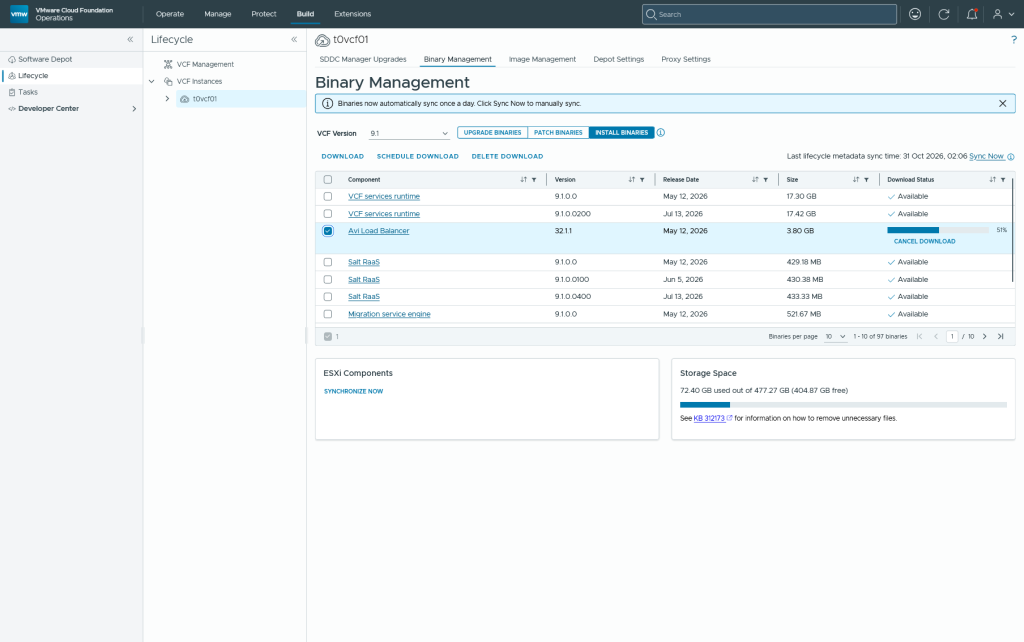
Otherwise you will be able to download it in the build menu and after the download has been done you will be able to go trough the wizard.
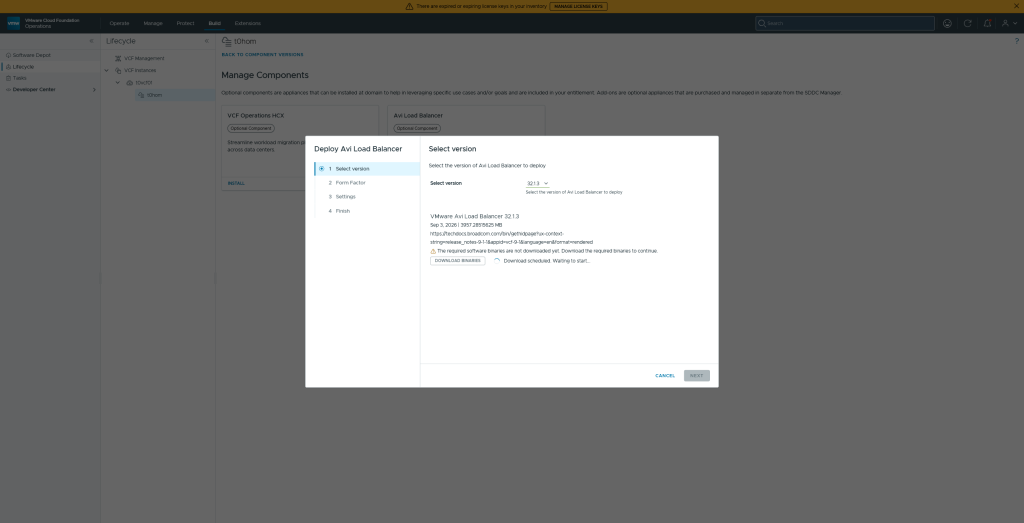
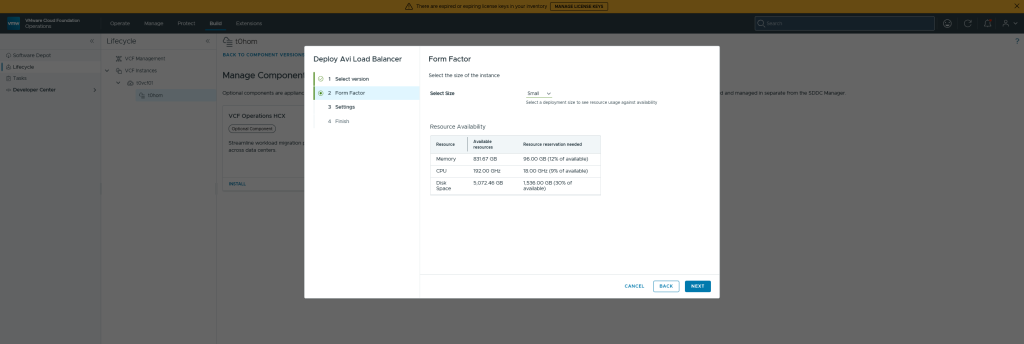
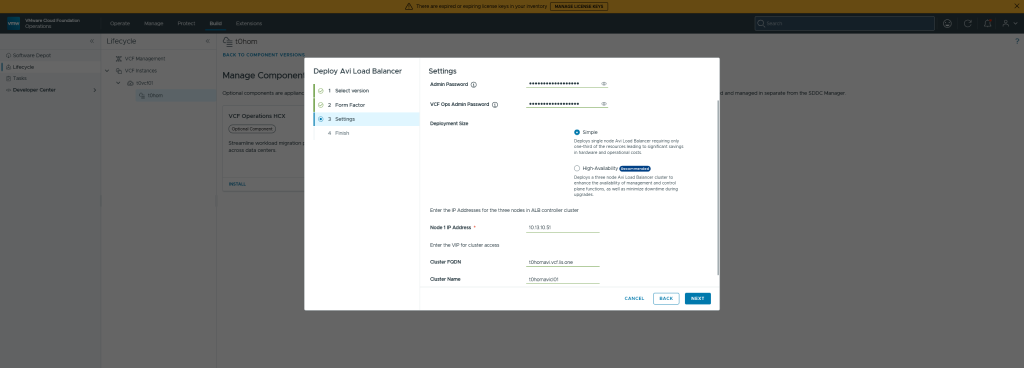
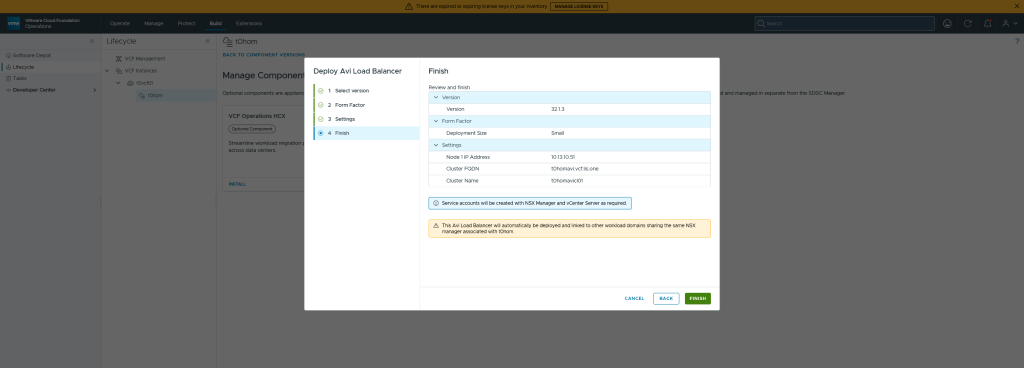
And after setting everythign up the Taks is simply running and eploying the AVI Controller:
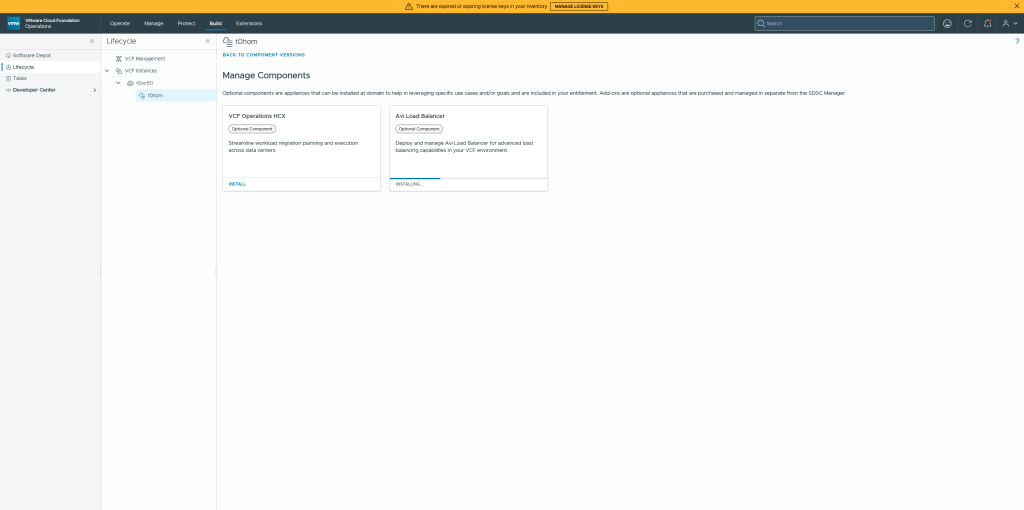
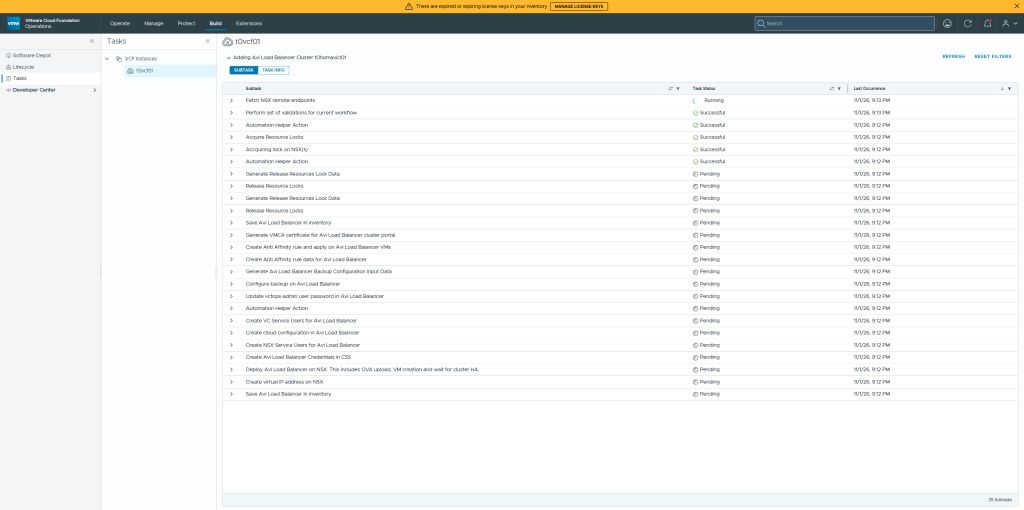
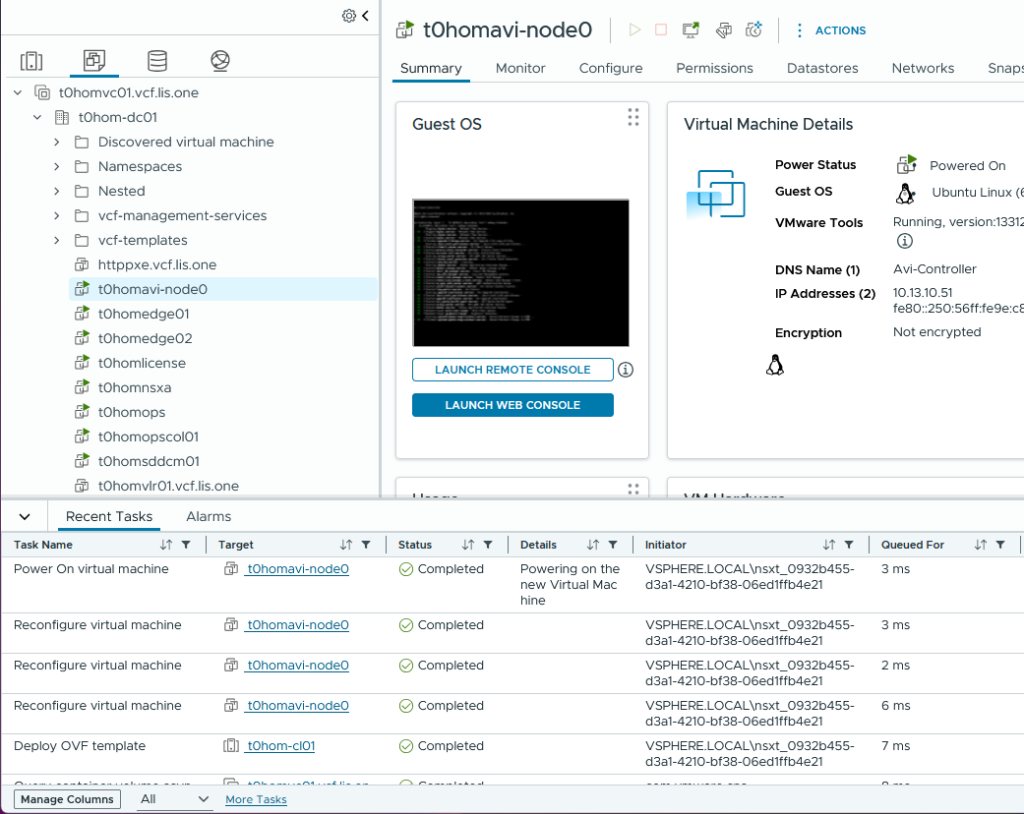
The Deployment is done by the SDDC Manager (check the domainmanager.log) and the OVA Deployment can be seen in the Management vCenter:
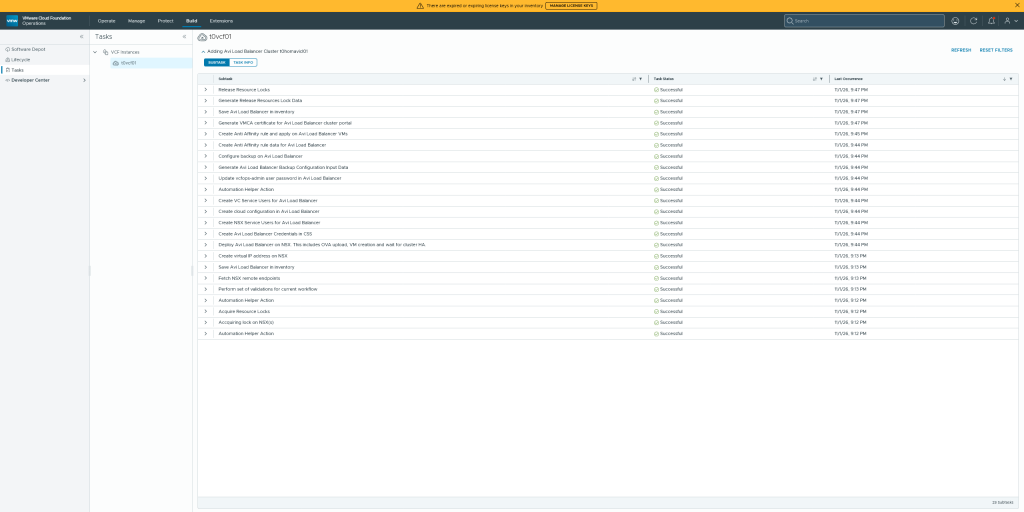
After the VM is powered on, connect to the AVI Loadbalancer and configure the license. In VCF Operations it might take a while or rather the task view doesn’t update automatically but it should look like that!
In my case i’ve logged in and canceled the initial welcome wizard while i was making sure to select the on-prem license hub method to get my avi registered.
How that is done can be read here
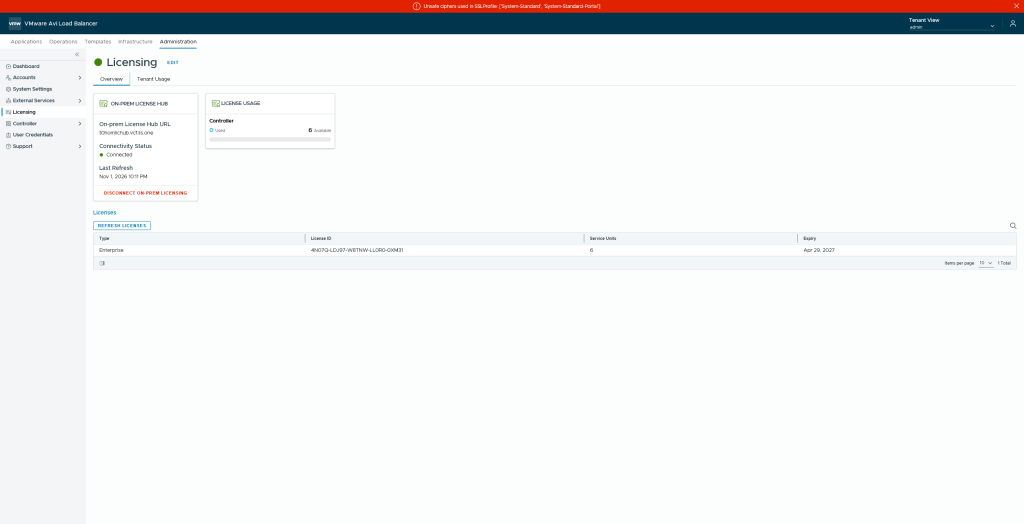
And with that the deployment is finished!