

Whenever my SDDC Manager wants to download ESX Binaries and that stuff it fails.
On one side i’ve never patch the VCF vCenters with my download token (easy way) mentioned here:
https://knowledge.broadcom.com/external/article/389276
On the other side i’ve got an offline depot running which helps me not having to login into support.broadcom.com and download the same binaries for who knows how often.
But there is a fix for that! Use the VCF Download Tool to provide those files! So lets start with preparing everything 🙂
Disabling unnecessary downloads/versions
We start checking what is configured for esx components and which versions “are” supported:
vcf-download-tool esx configuration --get
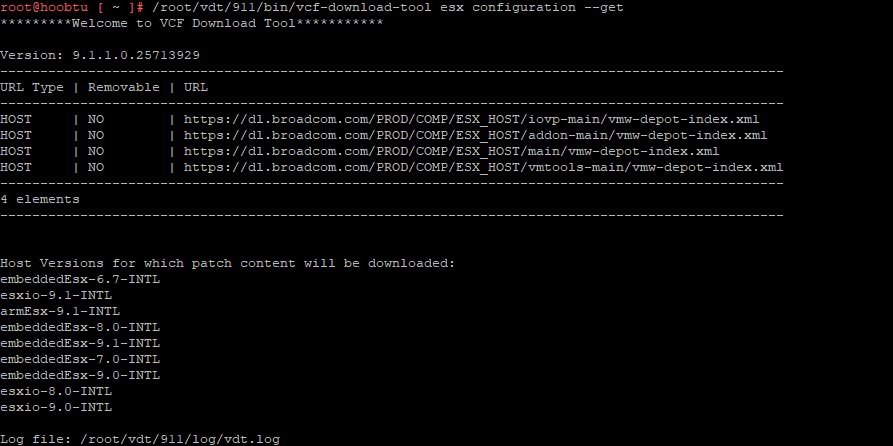
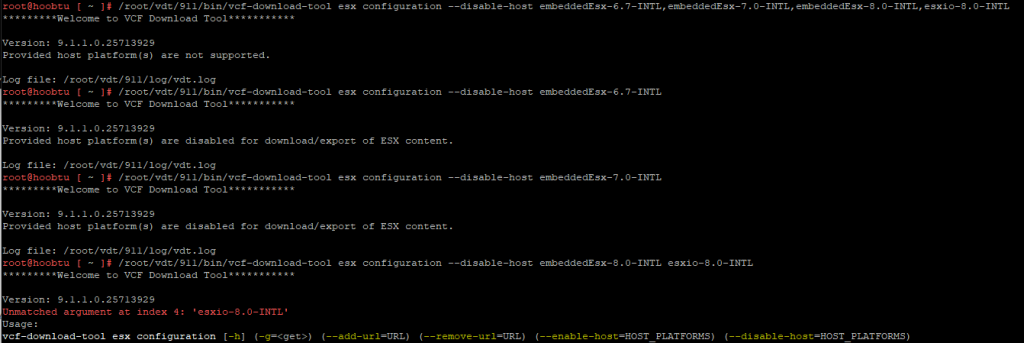
now we disable some of those hosts. Don’t need 6.7 or 7.0 or 8.0 anymore in that setup. esxio is for DPUs and ARM ESX for ARM ESX-Hosts.
vcf-download-tool esx configuration --disable-host esxio-9.1-INTLUnfortunately you will have to enter all plattforms in a single command since it didn’t worked for me with commas or whitespaces.
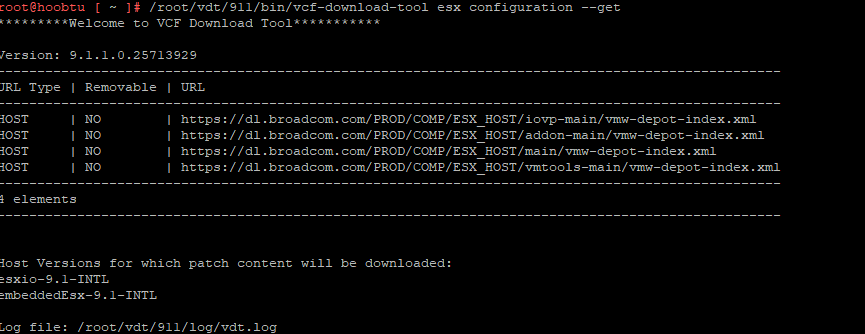
and with enough stuff removed a fresh esx configuration –get should look like that:
Downloading the component and metadata
now we are able to download the components and the metadata. simply issue the following command:
vcf-download-tool esx download --depot-download-activation-code-file /root/activation-code.txt --depot-store=/var/www/build
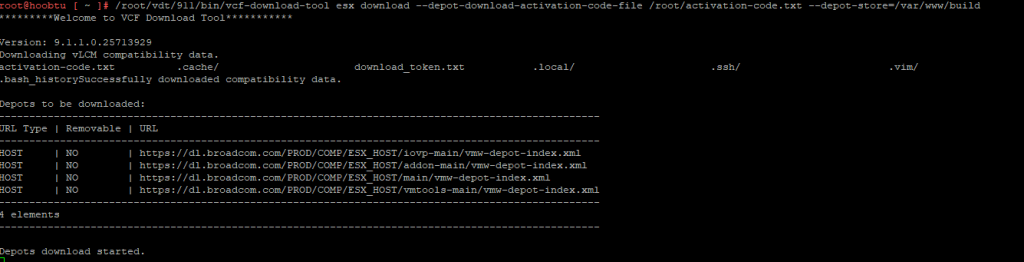
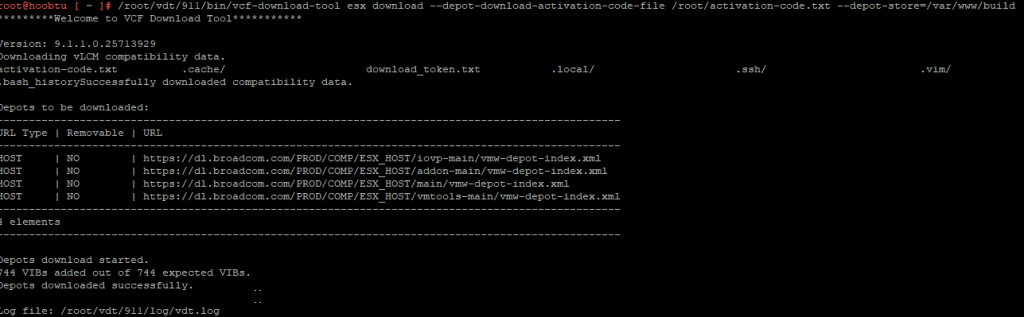
and just in case also download the metadata
vcf-download-tool metadata download --depot-download-activation-code-file /root/activation-code.txt --depot-store=/var/www/build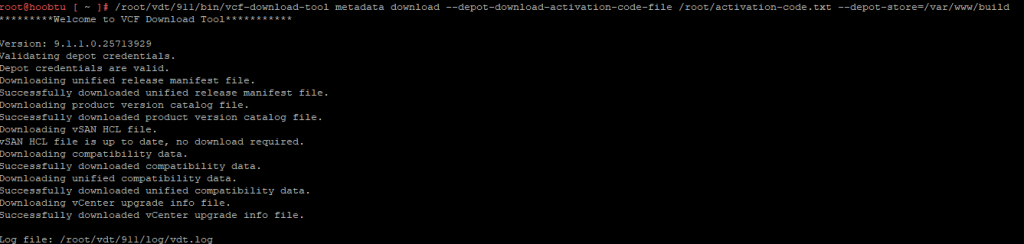
Now that the files have been downloaded and our offline-depot got a new folder:
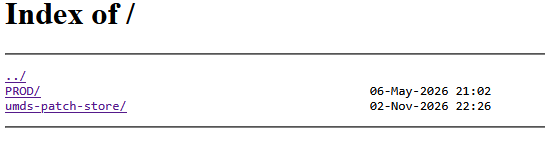
which also shows us some new files!
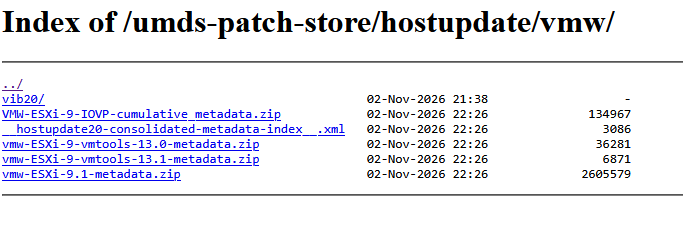
in my case i needed to change my chown command since i ran everything as root
chown -R nginx:nginx /var/www/build/ && chmod -R 750 /var/www/build/
After that we head to VCF Operations and synchronize our ESXi Components:
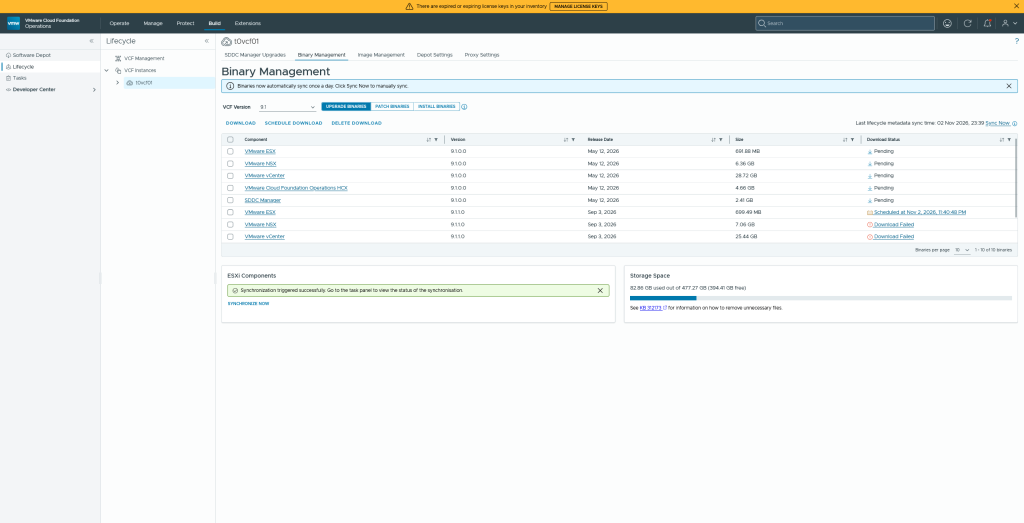

With a small command you can check if these files are getting downloaded:
tail -f /var/log/nginx/access.log | grep -E 'ESX_HOST|umds-patch-store'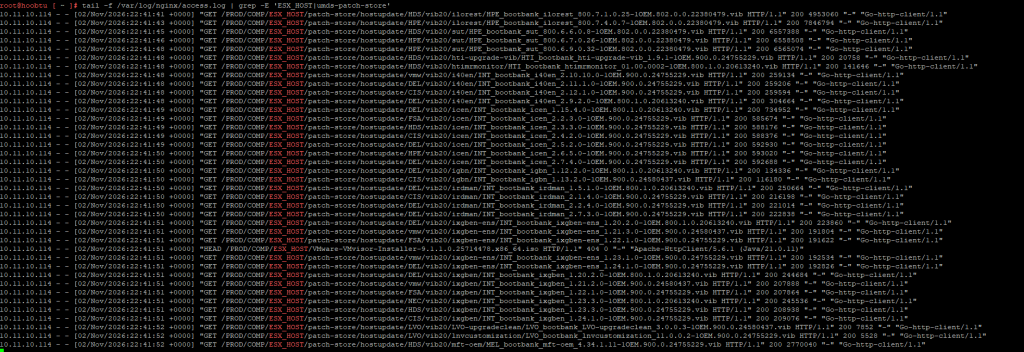
Now we’re done and with that atleast what we’ve downloaded should be available to our SDDC Manager that is connected to the Offline Depot!